Shopify B2B and Wholesale 2026: Native Features, Functions, and What Still Needs Custom Work
Key Takeaways
- Shopify Plus B2B is now a native feature set — company accounts, price lists, net terms, and quantity rules are included without plugins, a significant shift from 2021 when wholesale required a fragmented app stack.
- Volume pricing (quantity-based tiers) is not supported natively — it requires a Shopify Discount Function, which is a well-documented implementation that works cleanly in production.
- Shopify does not enforce credit limits or block overdue accounts natively — these require either a third-party AR integration like Resolve or a custom Checkout Validation Function.
- The biggest B2B UX wins are quick order forms and reorder workflows — wholesale buyers place large, repeated orders and need efficient order entry that native B2B doesn't provide out of the box.
- ERP integration (NetSuite, QuickBooks, SAP) via Shopify's Admin API and webhooks is essential for B2B operations above $2M in wholesale revenue where AR tracking and inventory sync cannot be managed manually.
- Running DTC and B2B on the same Shopify Plus store is the recommended configuration — it simplifies inventory, order management, and reporting compared to separate stores.
- Migrating from wholesale plugins to native Shopify B2B typically takes 4–8 weeks for brands with 50–500 accounts — parallel running the old and new setups for 4–6 weeks before cutover minimizes pricing errors.
The shift from B2C-first to B2B-native on Shopify Plus happened faster than most people expected. Three years ago, running a wholesale channel on Shopify required a fragmented stack of plugins, hardcoded discount codes, and hidden product catalogs that felt like workarounds. Today, Shopify's native B2B feature set covers company accounts, multi-contact management, customer-specific price lists, net payment terms, and quantity rules — all without a single plugin. The brands that built complex wholesale solutions on WooCommerce or built dedicated B2B portals on Magento are now seriously evaluating whether those investments still make sense.
This isn't a pitch for Shopify Plus's B2B over every alternative. The feature set has real gaps for some use cases, and understanding those gaps is as important as understanding the capabilities. Brands with deeply complex pricing logic — tiered volume discounts with category-level exceptions on top of customer-specific overrides — will still need Shopify Functions to fill in where native features fall short. Brands running pure manufacturing-to-distributor wholesale with complex EDI requirements need more than any platform's native B2B layer.
But for the majority of DTC brands adding a wholesale channel, and for mid-market B2B companies whose requirements fit Shopify's model, 2026 is the year to take the native tooling seriously. This guide covers what Shopify's B2B feature set actually includes, how to configure it correctly, where to extend it with Functions, and how to evaluate whether it fits your specific wholesale model.
1. Shopify B2B: What's Native in 2026
Shopify Plus B2B is not an app or a plugin — it's a native feature set available exclusively to Plus merchants. Here's what it includes as of 2026.
Company accounts are the organizational unit for B2B. A company represents a business customer (a retailer, distributor, or wholesale account) and can have multiple contacts (individual people authorized to place orders on behalf of the company). Each contact can have a different role: ordering permission only, ordering with approval, or full admin access to the company account.
Price lists allow you to set company-specific pricing at the product, variant, or collection level. You can specify fixed prices (override the retail price entirely) or percentage discounts off the retail price. A single company can have one price list assigned. Multiple companies can share the same price list.
Payment terms (Net 30, Net 60, Net 90, and due-on-receipt) can be assigned per company. When a company with net terms places an order, the order is created with the payment terms specified — the buyer receives an invoice, and payment is due according to the terms. Shopify handles the payment terms tracking in the admin.
Quantity rules and order minimums: Set minimum order quantities, maximum quantities, and increment rules per product or variant for B2B customers. A company-specific catalog can require orders in multiples of 6 units (a case) or set a minimum of 12 units for a specific product.
B2B storefront: B2B customers access a dedicated storefront at a subdomain (e.g., wholesale.yourstore.com) or via login on your main storefront. The B2B storefront shows company-specific prices, hides retail pricing, and surfaces B2B-specific payment and checkout options.
Draft orders: For sales reps placing orders on behalf of B2B customers, draft orders in the Shopify admin support company account assignment, price list application, and net terms payment.
2. Setting Up Company Accounts and Price Lists
The configuration path for Shopify B2B has become significantly more streamlined since the initial launch. Here's the practical setup workflow.
Creating companies: Companies are created in the Shopify admin under Customers > Companies. Each company requires a name and at least one contact. The contact's email must match an existing or new customer account. When you assign B2B access to a customer, they see B2B pricing and checkout options when logged in.
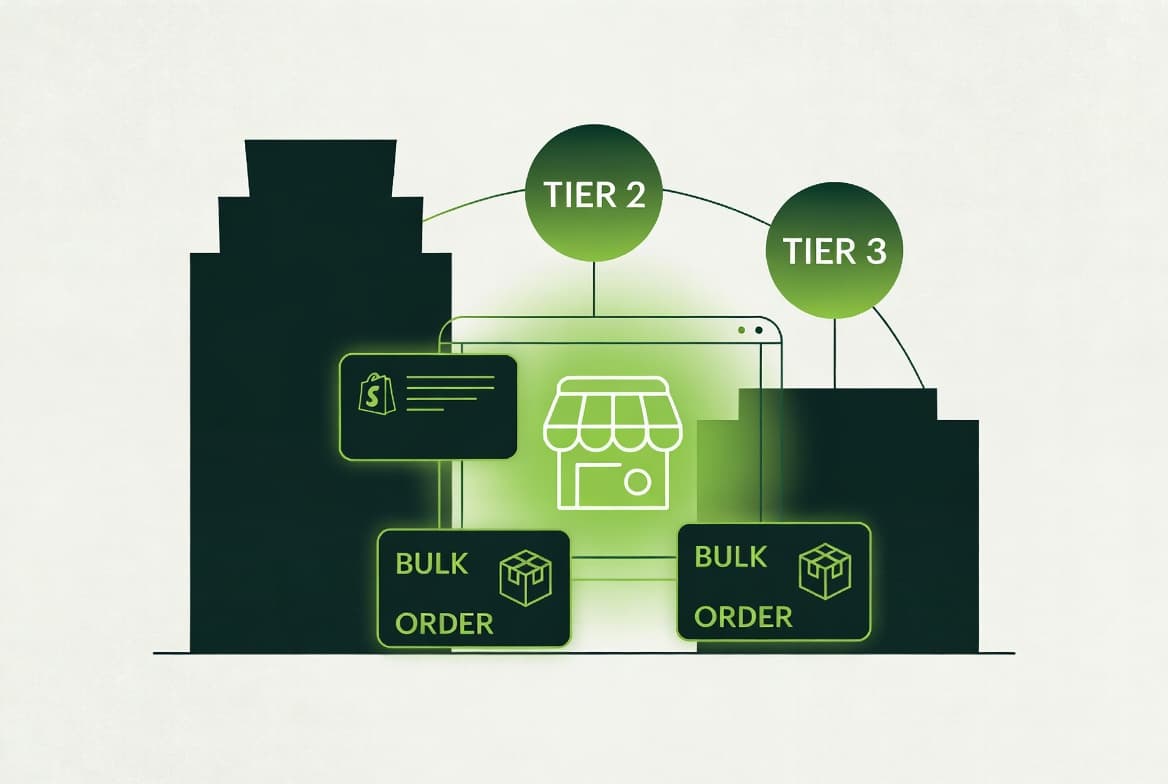
Price list structure decisions: The most common mistake when setting up price lists is creating too many. A well-designed price list structure groups companies into pricing tiers — Tier 1 (40% off retail), Tier 2 (30% off retail), Tier 3 (20% off retail) — rather than creating per-company price lists for every account. Per-company price lists make sense only for strategic accounts with genuinely unique pricing agreements.
Currency on B2B: Each price list is assigned a currency. If you sell internationally, create separate price lists per currency tier. A Canadian wholesale customer should see CAD pricing on a CAD price list, not USD pricing with currency conversion at checkout. This avoids customer confusion and simplifies accounts receivable.
Catalog restrictions: Beyond pricing, you can restrict which products appear in the B2B catalog using product availability settings. B2B-only products (close-outs, bulk pack variants, wholesale-specific bundles) can be hidden from the DTC storefront and shown only to B2B customers. Retail-only products (limited editions, gift sets) can be excluded from the B2B catalog.
Automating company setup: For brands with large wholesale account lists, Shopify's Admin API supports programmatic company and price list creation. Migrate your existing wholesale accounts from a spreadsheet or ERP by scripting the company creation via the GraphQL Admin API rather than creating them one by one in the UI.
3. Net Payment Terms: The Accounts Receivable Reality
Net terms are the feature most wholesale brands care about most and most under-implement. Getting them right requires understanding both Shopify's native capabilities and where your finance team's processes need to connect.
How Shopify handles net terms: When a B2B order is placed with net terms, Shopify creates the order and marks it as payment pending. The order fulfills normally — products ship, tracking is updated — and the payment status remains outstanding until manually marked paid or the invoice is settled via a payment link. Shopify does not send payment reminder emails automatically or calculate late fees.
What Shopify does not do: Shopify's native B2B doesn't integrate with your AR system out of the box. It doesn't sync outstanding invoices to QuickBooks, NetSuite, or SAP. It doesn't credit-check customers before extending terms. It doesn't age accounts receivable or block new orders when a customer is past due. These are the gaps that require either a third-party integration or custom development.
Common integrations for net terms AR: Resolve (B2B payments and credit), Apruve (enterprise trade credit), and direct ERP integrations via Shopify's Order API are the typical paths. Resolve is the most common for mid-market brands — it handles credit approval, invoice tracking, and late payment follow-up, integrating with Shopify's order data via webhooks.
Credit limit enforcement: Shopify's native B2B doesn't block orders when a company exceeds a credit limit. If credit limit enforcement matters for your business, implement it via a checkout validation Shopify Function that checks the company's outstanding balance (fetched from your ERP or AR system) and blocks checkout if they're over limit. This is a well-defined use case for Functions and works cleanly in production.
4. Extending B2B with Shopify Functions
Shopify Functions are serverless JavaScript or Rust functions that run at Shopify's edge and customize core commerce logic — discounts, shipping rates, payment methods, order routing, and cart transforms. For B2B use cases, Functions fill the gaps that native B2B features don't cover.
Volume-based tiered pricing: Shopify's price lists support fixed prices or flat percentage discounts. They do not support volume tiers (buy 1–11 at $10 each, buy 12–23 at $8 each, buy 24+ at $6 each). Volume pricing requires a Discount Function that reads the cart quantities and applies the correct tier discount per line item. This is a standard Function use case with published reference implementations.
Order routing by product type or region: B2B orders that need to be fulfilled from different warehouses based on product category (hazmat from one DC, standard from another), customer region, or other rules require an Order Routing Function. These run at the order creation stage and assign fulfillment locations based on custom logic.
Payment method restrictions: Hiding credit card payment from B2B customers with net terms (they shouldn't need to enter a card if they have a net terms account) requires a Payment Customization Function. This is straightforward — the Function reads the company context from the cart and hides card payment methods for customers with active net terms agreements.
Bundle pricing and kit components: B2B customers who order configurable kits or product bundles where the bundle price isn't simply the sum of components need Cart Transform Functions. The Function modifies line items at checkout to reflect bundle-level pricing rather than individual component prices.
The Functions development workflow: Functions are written in JavaScript (AssemblyScript, compiled to Wasm) or Rust. They're deployed via Shopify CLI as part of a Shopify app (which can be a private app installed only on your store). The development and testing experience has improved substantially — you can test Functions locally against sample input data before deploying.
5. The B2B Storefront Experience
The B2B storefront isn't just a price list applied to your DTC theme — it requires deliberate design decisions to serve wholesale buyers efficiently. Wholesale buyers place large, repeated orders. They care about order speed and accuracy, not marketing storytelling.
Quick order forms: A wholesale buyer ordering 15 SKUs doesn't want to navigate to each product page individually. A quick order form — a table-style interface where buyers can enter SKU, variant, and quantity and add all items to cart at once — is the most impactful B2B UX improvement you can make. Shopify's native B2B doesn't include a quick order form; this is a custom theme section or an app like Orderify or B2B Ninja.
Reorder workflows: B2B buyers reorder the same products repeatedly. A reorder button on past order history that populates the current cart with those line items (adjustable quantities) dramatically reduces order entry time. This is a custom implementation using the Storefront API order history and Cart API.
Account dashboard: B2B buyers need to see their open invoices, track order history by date range, download packing slips, and view their price list. Shopify's customer account pages (new accounts, released in 2024) support customization via extensions. A well-built B2B account dashboard significantly reduces support tickets from wholesale accounts.
Sales rep order entry: Sales reps who place orders on behalf of accounts need a different flow than self-service buyers. Draft orders in the Shopify admin work well for rep-entered orders, but reps need a clean interface for searching accounts, applying the correct price list, and submitting orders efficiently. Consider a custom admin extension for high-volume sales teams.
Approval workflows: Some B2B companies require order approval before submission — a buyer creates a draft order that a company admin must approve before it converts to a real order. Shopify's native company roles support this via the buyer portal, but the experience is basic. A custom approval workflow with email notifications is a common B2B customization.
6. ERP and OMS Integration for B2B
Most B2B operations above $2M in wholesale revenue need their Shopify B2B data flowing into a back-office system. Order management, inventory, invoicing, and customer account data need to be accessible in the ERP or OMS that the operations team actually uses.
Common integration patterns: Shopify's Admin API and webhooks are the data layer for ERP integrations. Orders flow to the ERP via order_created and order_updated webhooks. Customer and company data syncs bidirectionally — account changes in the ERP (credit limit updates, net terms changes) push back to Shopify via the Admin API. Inventory levels sync from the ERP to Shopify.
NetSuite integration: NetSuite is the most common ERP for mid-market B2B brands on Shopify Plus. The integration typically includes order export to NetSuite, customer/company sync, invoice sync (NetSuite invoices paired with Shopify orders), and inventory sync. Off-the-shelf connectors (Celigo, Breadwinner, NetSuite Connector for Shopify) handle the basics. Custom builds are needed for non-standard data mappings or high-frequency sync requirements.
QuickBooks and Xero: For smaller B2B operations, QuickBooks Online or Xero handles the AR and accounting layer. Apps like A2X, OneSaas, and Bold Commerce's QuickBooks integration sync Shopify B2B orders and invoices to these systems automatically.
3PL and WMS integration: B2B orders with complex fulfillment requirements (partial shipments, multiple warehouses, pallet-level tracking) need a WMS integration. Shopify's Fulfillment API and order routing (via Functions or the FulfillmentOrder API) connect to 3PLs and WMS platforms like ShipBob, Deposco, or HighJump.
Data quality as an integration requirement: Integrations fail when data is messy. Before implementing an ERP integration, audit your Shopify B2B data: company names must be consistent with ERP account names, SKUs must match ERP item codes, and address fields must be complete. Plan the data mapping work before writing the integration code.
7. Migrating Your Wholesale Channel to Shopify B2B
For brands that currently run wholesale on a separate platform, a separate Shopify store, or a plugin-based WooCommerce setup, migrating to Shopify Plus native B2B requires a clear data migration plan.
Migrating from a wholesale plugin setup: If you're currently running wholesale on Shopify with apps like Bold Custom Pricing, Wholesale Club, or similar, the migration to native B2B involves creating company accounts for your existing wholesale customers, recreating your price tiers as native price lists, and removing the plugin after validating the new setup. This is typically a 4–8 week project for brands with 50–500 wholesale accounts.
Migrating from a separate Shopify store: Some brands run a separate Shopify store for wholesale (a common pattern before Plus B2B existed). Consolidating to a single Plus store with native B2B requires customer data migration (wholesale customers to company accounts on the main store), product catalog reconciliation, and URL redirect management if the wholesale store had SEO-indexed URLs.
Data migration checklist: Export all wholesale company accounts with their contacts, email addresses, and price tier assignments. Map your existing price tiers to Shopify price lists. Export order history for reorder functionality. Document any custom pricing exceptions before they get lost in migration.
Parallel running period: Run the new B2B setup in parallel with your existing wholesale workflow for 4–6 weeks before fully cutting over. Have a subset of wholesale accounts test the new portal, submit real orders, and confirm pricing is correct. Wholesale buyers are less forgiving of pricing errors than DTC customers — a wrong price on a 500-unit order is a significant problem.